

Should You Rebuild or Modernize Your Existing Web Application?
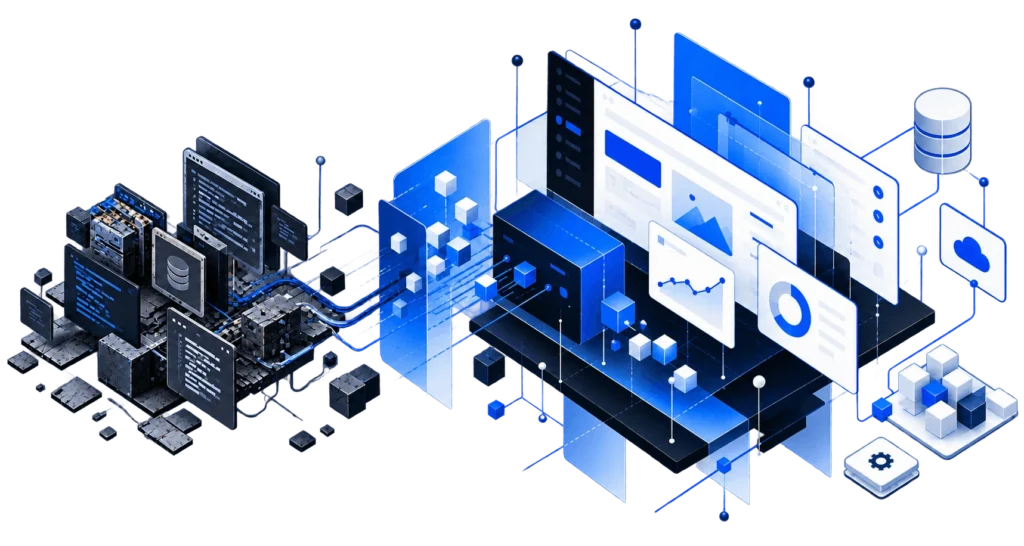
Eventually, most custom software starts to show its age. The application may still work, but changes take longer than they used to. The framework is several versions behind, parts of the interface feel dated, or an important integration was built around an API that has since changed. Deployments may make everyone nervous, and if the original developers are gone, nobody may be completely sure why certain parts of the system work the way they do.
At that point, rebuilding the application can sound like the obvious answer. Sometimes it is, but replacing an existing application is a major technical and business decision. The age of the software alone does not tell you whether a rewrite is justified, and before starting over, it is worth understanding exactly what you would be replacing.
Old Software Is Not Necessarily Bad Software
An application can have technical problems and still be valuable. Production software contains more than code. Over time, it accumulates business rules, workflows, integrations, permissions, and decisions shaped by the people who actually use it. Some of those decisions may be poorly documented or difficult to understand without spending time inside the application.
A rebuild has to account for that knowledge again. Before replacing an application, it is useful to separate the parts that are genuinely causing problems from the parts that are simply old. If a workflow still serves the business well, there may be little reason to replace it just because the technology underneath it could be newer.
Start With What Is Actually Wrong
"We need to modernize" can mean a lot of different things. The application may be running on an unsupported version of PHP, the frontend may be difficult to use, deployments may still be manual, or database performance may have deteriorated as the application grew. Maybe an integration has become unreliable, or developers are simply having a harder time changing the code without creating problems somewhere else.
Those issues do not necessarily require the same solution. A frontend can be replaced without rebuilding the backend. A framework can often be upgraded incrementally. An unreliable integration can be redesigned, and deployment or testing can be improved without changing anything users interact with.
Modernization is often less about replacing an application and more about identifying the parts that are creating problems, then improving them without disturbing the parts that continue to do their job.
When Modernization Makes Sense
Modernization is usually worth considering when the application still reflects how the business works but the technology around it has fallen behind. The underlying business logic may still be useful, the data may still be valuable, and most of the application may continue doing exactly what it was designed to do.
In that situation, the work might involve framework upgrades, infrastructure improvements, a new interface, better testing, or changes to areas that have become difficult to maintain. These improvements can often happen in phases, allowing the most limiting or risky parts of the application to be addressed without committing the business to replacing everything at once.
When a Rebuild Starts to Make More Sense
There are situations where preserving the existing application stops being practical. The architecture may prevent functionality the business now needs, important dependencies may no longer have a reasonable upgrade path, or years of tightly coupled changes may have made ordinary development increasingly risky and expensive. The business itself may also have changed enough that the assumptions behind the original application no longer make sense.
When those problems affect large portions of the system, continuing to work around them can eventually cost more than replacing them. Even then, a rebuild does not always have to happen all at once. Existing components can sometimes remain in production while new parts of the application gradually replace them.
Be Careful With the Clean-Slate Rewrite
Starting over is appealing because it promises a cleaner architecture, current technology, and an opportunity to avoid old mistakes. What tends to follow the old application into the new one, however, is the complexity of the business itself.
The replacement still needs to handle permissions, workflows, integrations, historical data, reporting, unusual customer situations, and all of the other requirements the existing application accumulated over time. Features that look unnecessary from the outside may support real workflows, and strange edge cases may exist because someone encountered those situations years ago.
A better architecture can make those requirements easier to manage, but rebuilding the software does not make legitimate business complexity disappear.
You Also Shouldn't Preserve Software Forever
There is an opposite problem in continuing to patch an application long after the underlying technology has become a liability. Upgrades get postponed because nobody wants to risk breaking something. Unsupported dependencies accumulate, infrastructure falls behind, and developers become increasingly hesitant to change important areas of the application.
Over time, more workarounds get added because addressing the underlying problems feels too expensive or dangerous. Eventually, avoiding modernization creates its own cost and risk. The goal is not to preserve an old application indefinitely, but to avoid replacing useful software before understanding which parts actually need to change.
What Should You Evaluate Before Deciding?
Start with the condition of the application itself. Look at its architecture, database, framework and dependencies, infrastructure, deployment process, integrations, security, and the areas developers have the most difficulty changing. That gives you a clearer picture of the technical problems you are actually dealing with.
Then look at the business around the application. Consider which workflows are important, what frustrates users, what the business expects the software to do over the next few years, and what happens when important parts of the system fail. It is just as important to identify the areas that continue working well.
Once those questions have been answered, the options usually become clearer. The application may need routine maintenance, targeted modernization, phased replacement, or a complete rebuild.
The First Step Is Understanding the Application
There is no specific age at which software becomes legacy software. A ten-year-old application that is understood, maintained, and still supports the business may be in a much better position than a three-year-old application built around poor assumptions.
What matters is whether the application can continue supporting the business safely, maintainably, and at a reasonable cost. Before deciding to rebuild it, understand what you already have and what is actually preventing it from moving forward.
Not sure whether your existing application needs maintenance, modernization, or replacement? Tell us about the application.
Start a Conversation
What Does Your Software Need to Do Better?
Tell us what you’re trying to build, fix, connect, or improve.
You don’t need to know the technical answer yet.